
Create
Better Music
NeonDAW is a cutting edge Digital Audio Workstation that you can try for free. Bundled with a suite of high quality virtual instruments and FX plugins, it has everything you need to create amazing music. There are no add-ons to buy. Every instrument and effect is included.

Beautiful instruments, built-in.
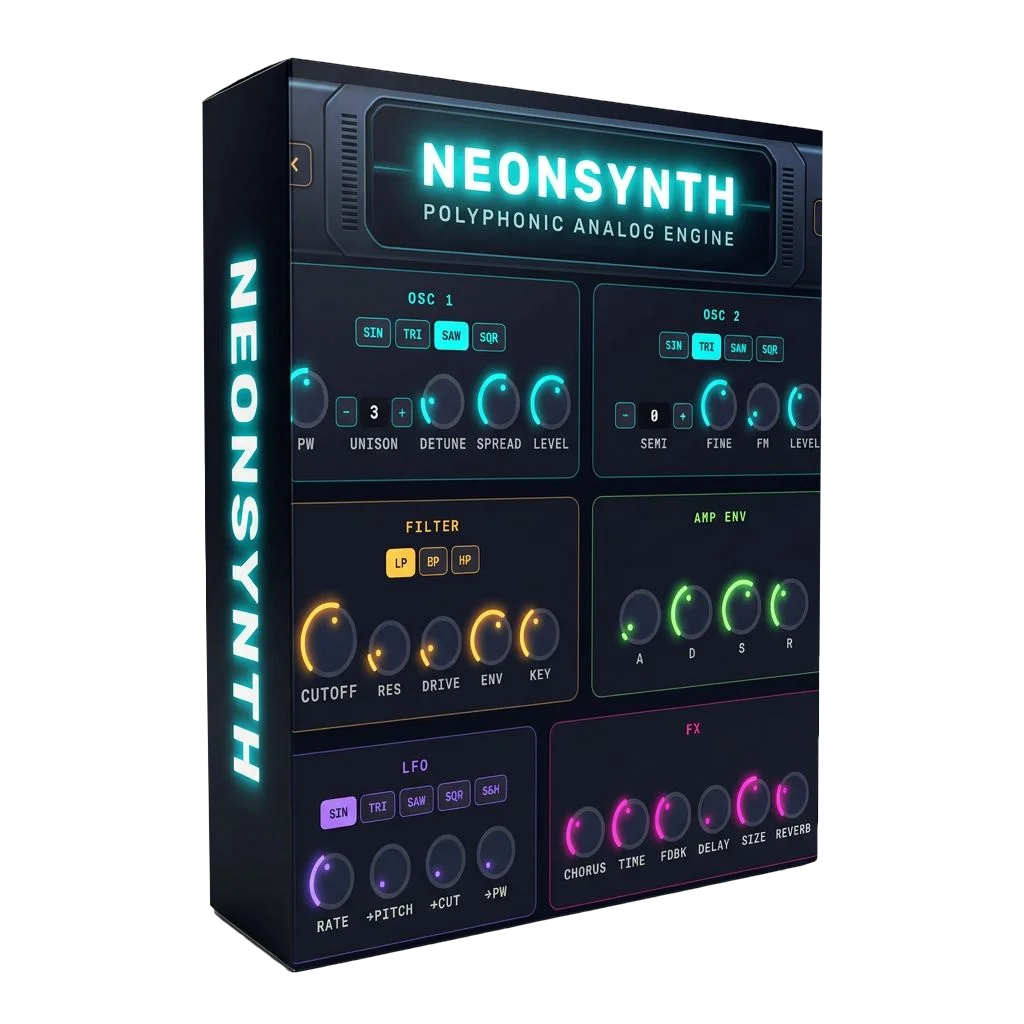
NeonSynth
The beating heart of NeonDAW. Two analog oscillators, a resonant filter and sixteen voices of stereo unison take you from glassy keys to towering pads and basslines that move air. Every one of its 42 presets arrives finished — chorus, delay and reverb already dialed in — so loading one puts you halfway to a track.
Presets
NeonPiano
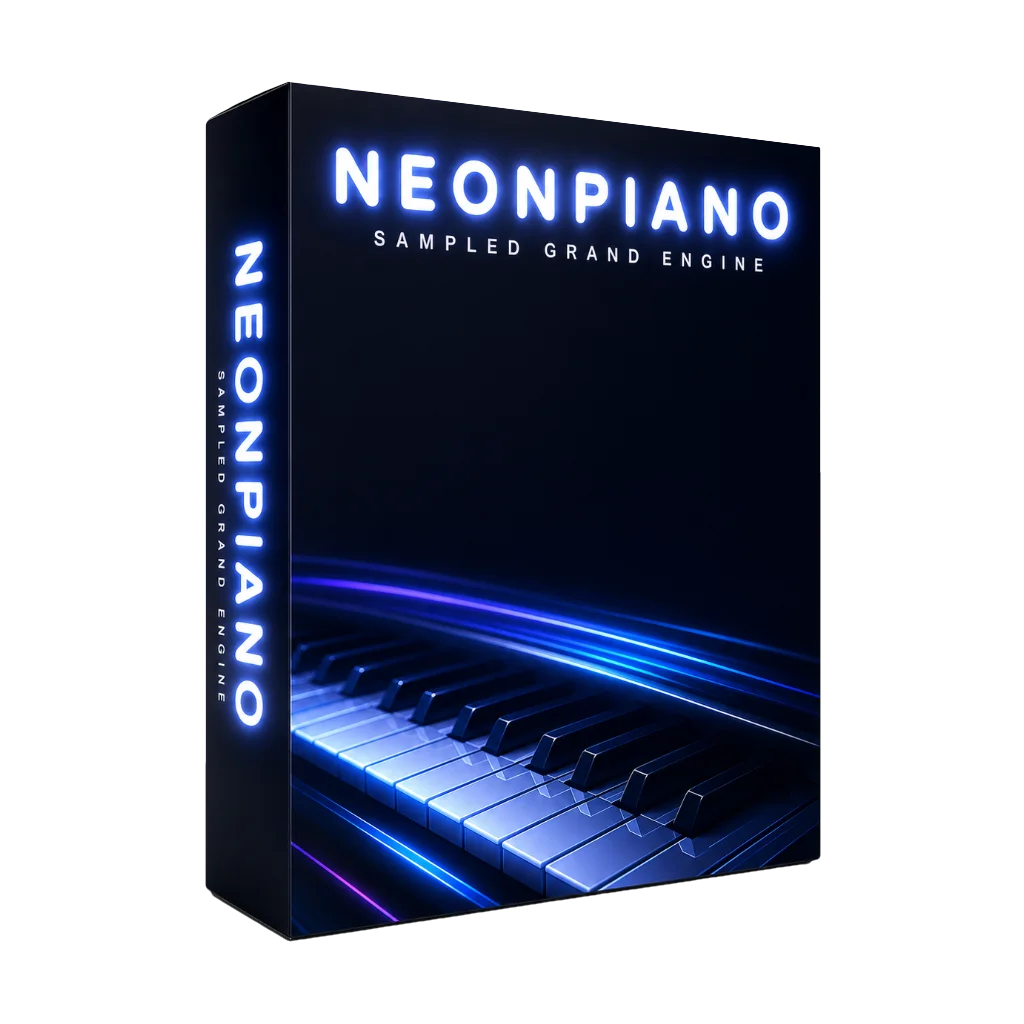
A real Steinway B, captured note by note across three dynamic layers, from a hushed pianissimo to a full-throated forte. Deep and resonant under your hands, and because every sample lives in memory it answers the instant you touch a key. The kind of piano you sit down at and lose an hour to.
Presets
NeonChoir
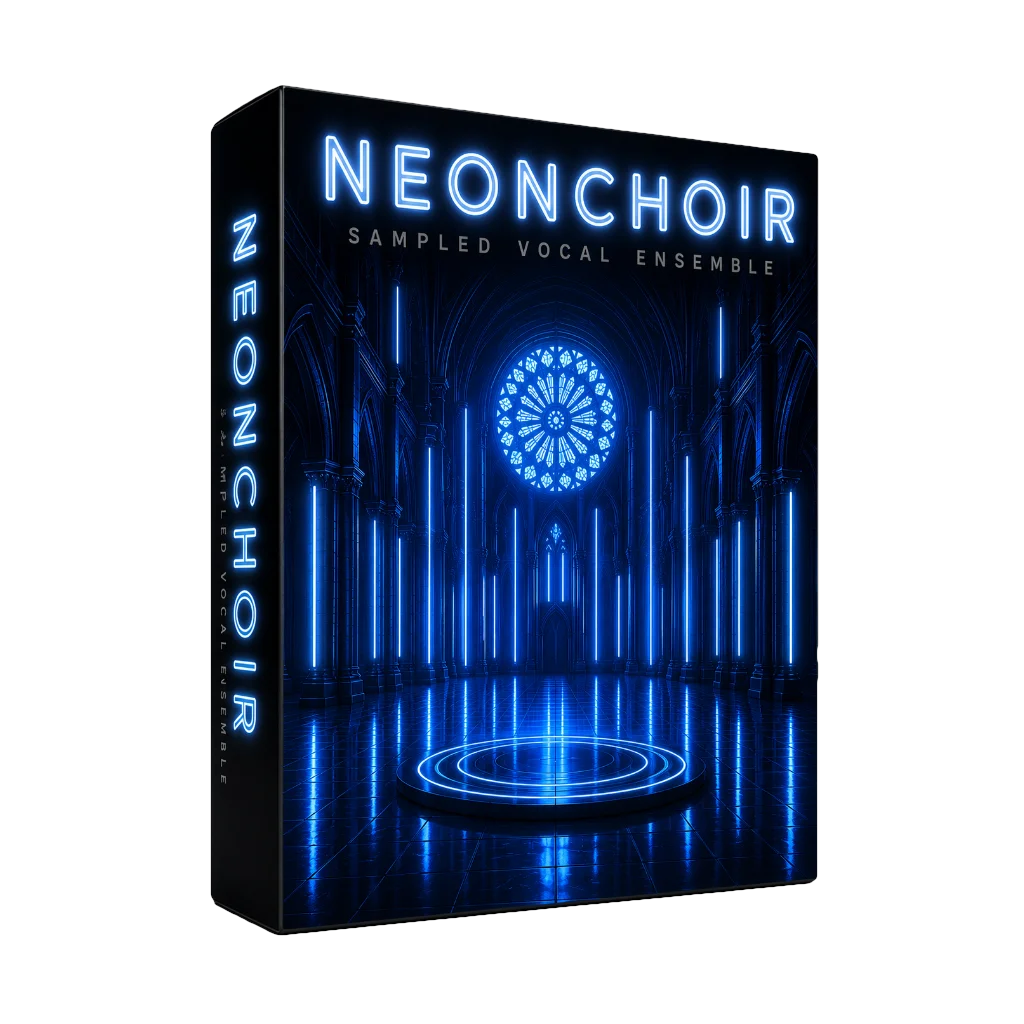
Real voices, stacked into a section that breathes. Every note is a group of singers recorded together, so the tiny differences between them give it that goosebump-inducing human shimmer. Morph between AH and OO on a single knob to move from bright and open to dark and far away. Instant cinematic weight for any track.
Presets
NeonStrings
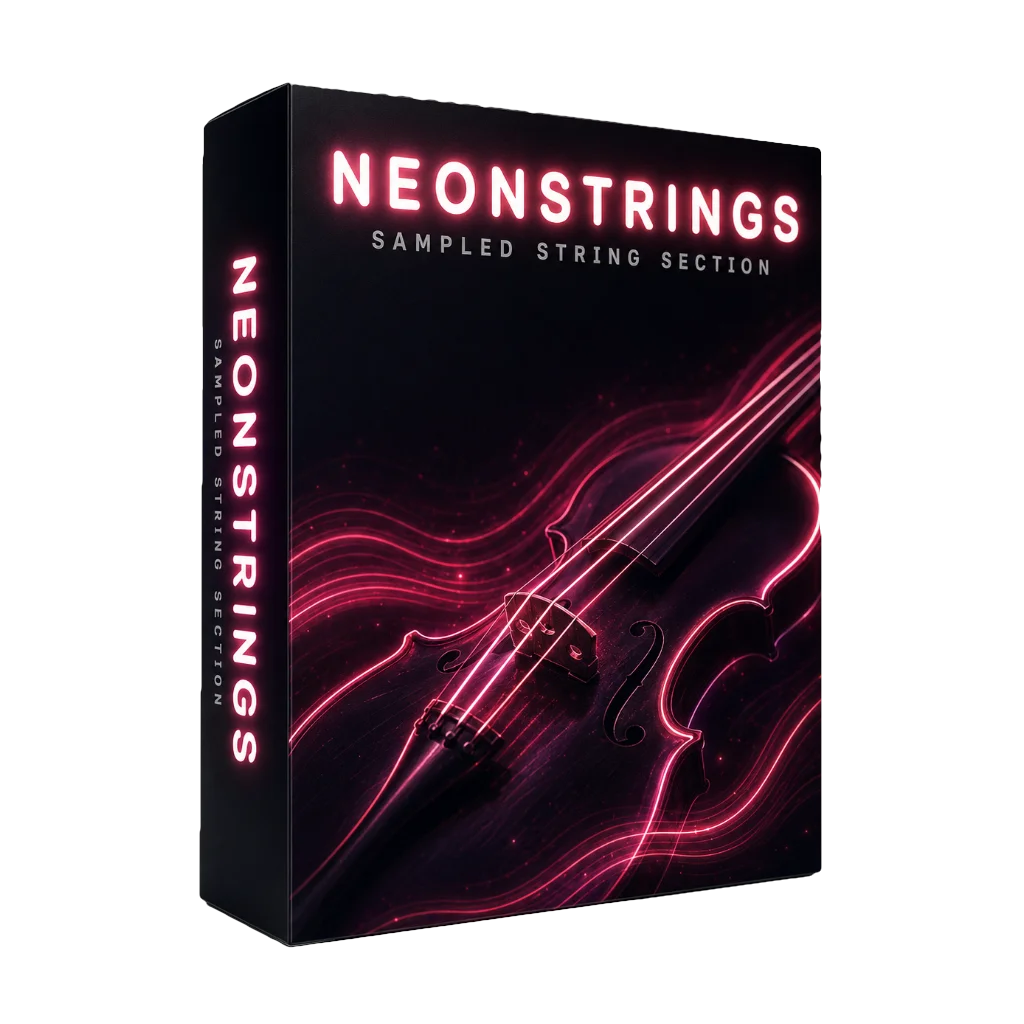
Violin, viola, cello and double bass, ready to swell under a chord or dart through a staccato line. Hold a bowed note as long as you like, or switch to pizzicato and let it snap and ring. Stack the full section for sweeping, film-score drama, or solo the cello for something quiet and intimate.
Presets
NeonWinds
Seven reeds under one roof: clarinets, bassoon, oboe and a pair of saxophones, from a smoky late-night sax lead to a lonely, plaintive oboe. Notes hold as long as you need them, and a turn of the Depth knob adds a singing vibrato that brings the whole section to life.
Presets
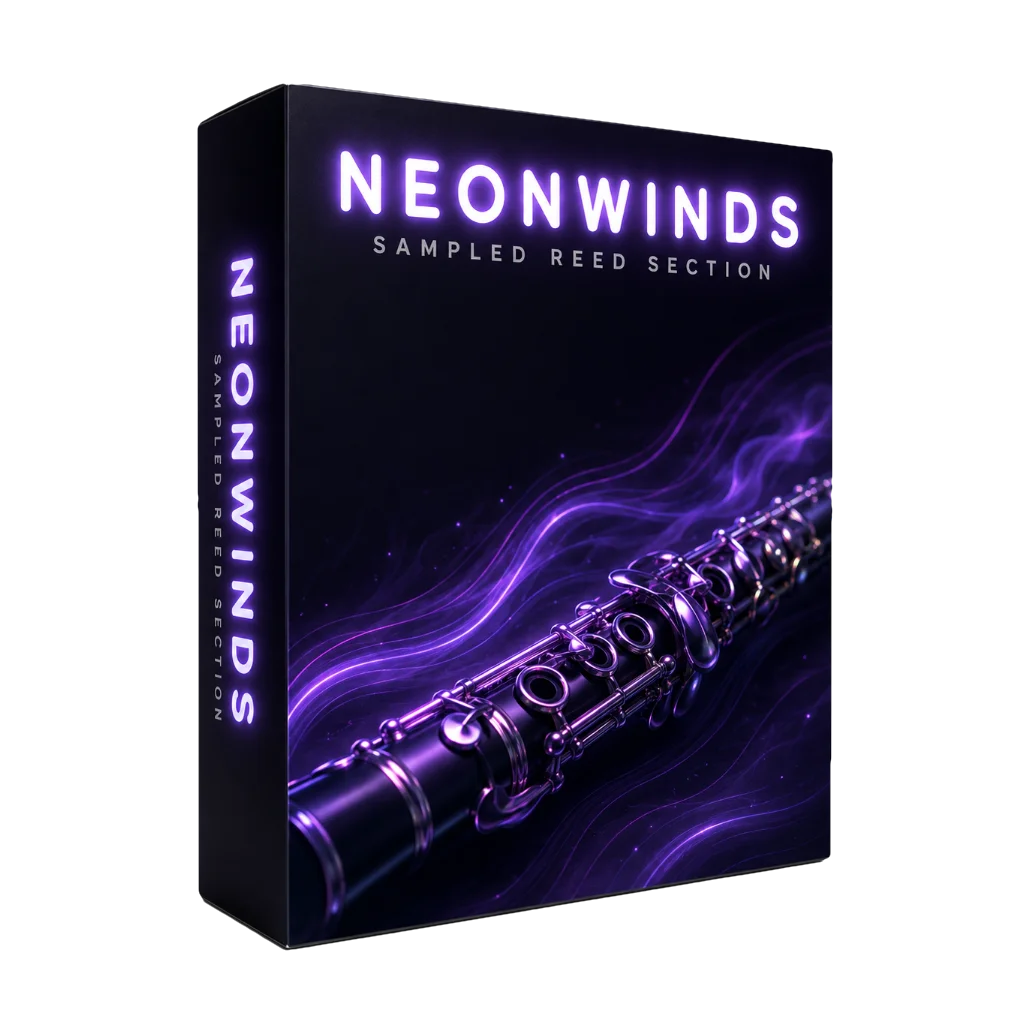
NeonFlute
Concert, alto and bass flutes. Airy and delicate up top, woody and breathy down low. Hold a note for as long as you want and it never runs out of air, while a touch of Depth adds vibrato that stays believable from the faintest shimmer to a full expressive swell.
Presets
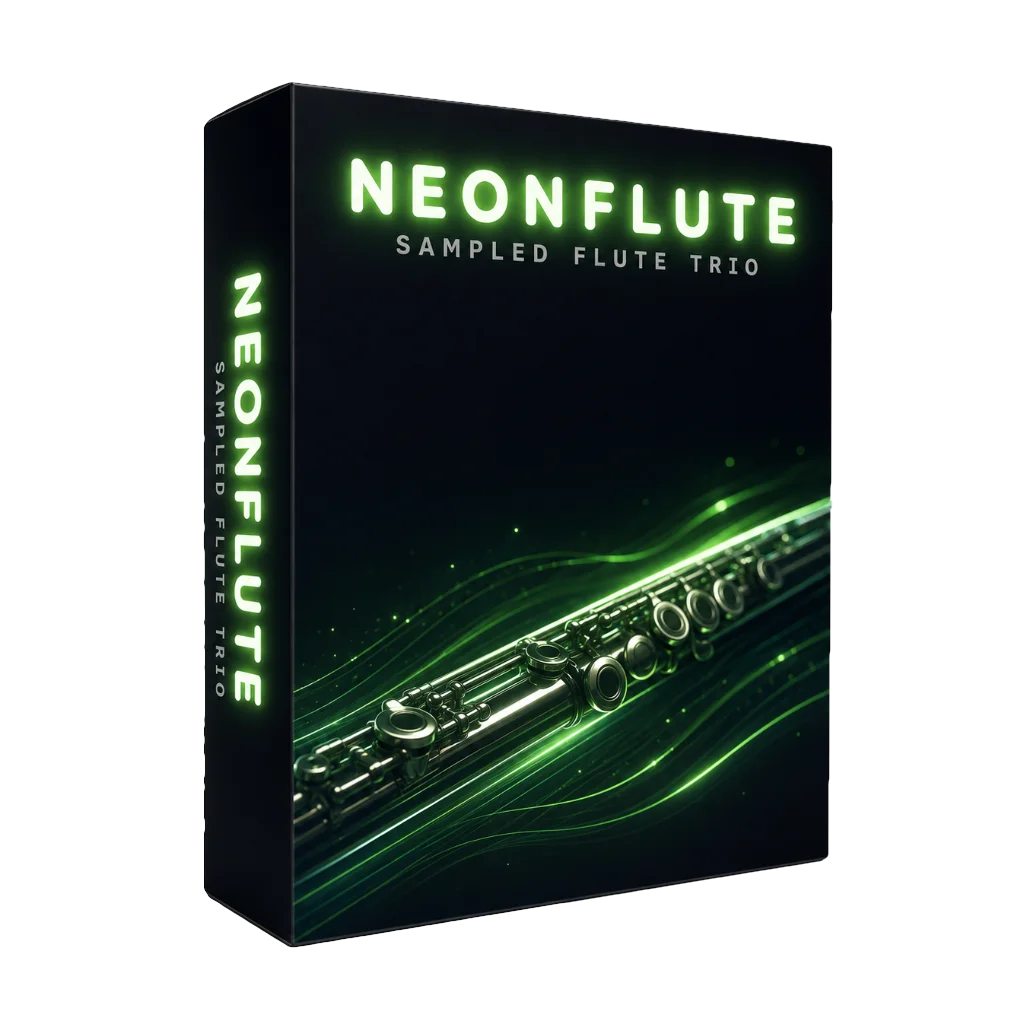
NeonBrass
Trumpet, French horn, trombones and tuba. Enough brass to raise the roof or underline a single moment. Stack them for a triumphant fanfare, or lean on a muted trumpet for something lonely and blue. Sustained notes and a vibrato control keep every line singing.
Presets
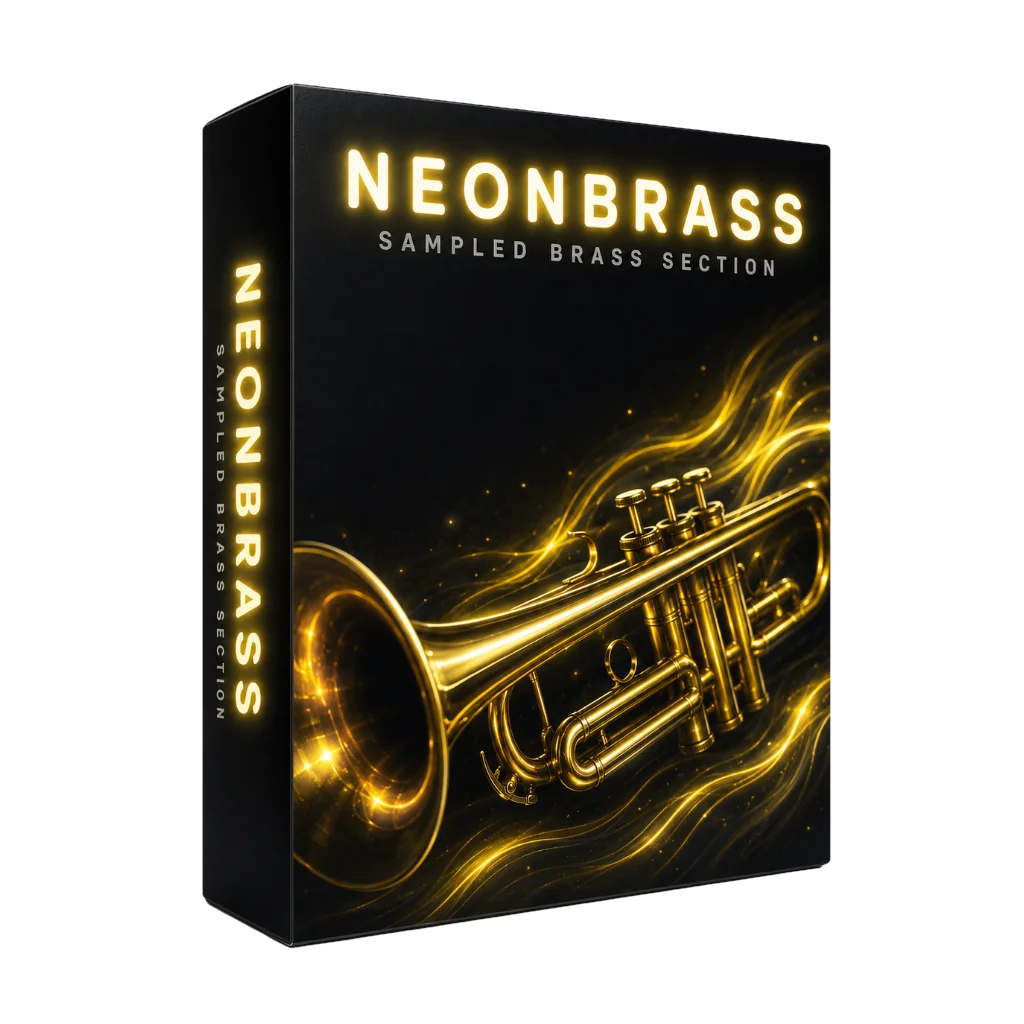
NeonMallets
Marimba, vibraphone, xylophone, orchestra bells and crotales. All the sparkle and shimmer that makes a track feel alive. Every strike rings out and decays like the real bar, and the vibraphone's motor adds that hypnotic, slow-turning wobble on top. Made for hooks, textures and little moments of magic.
Presets
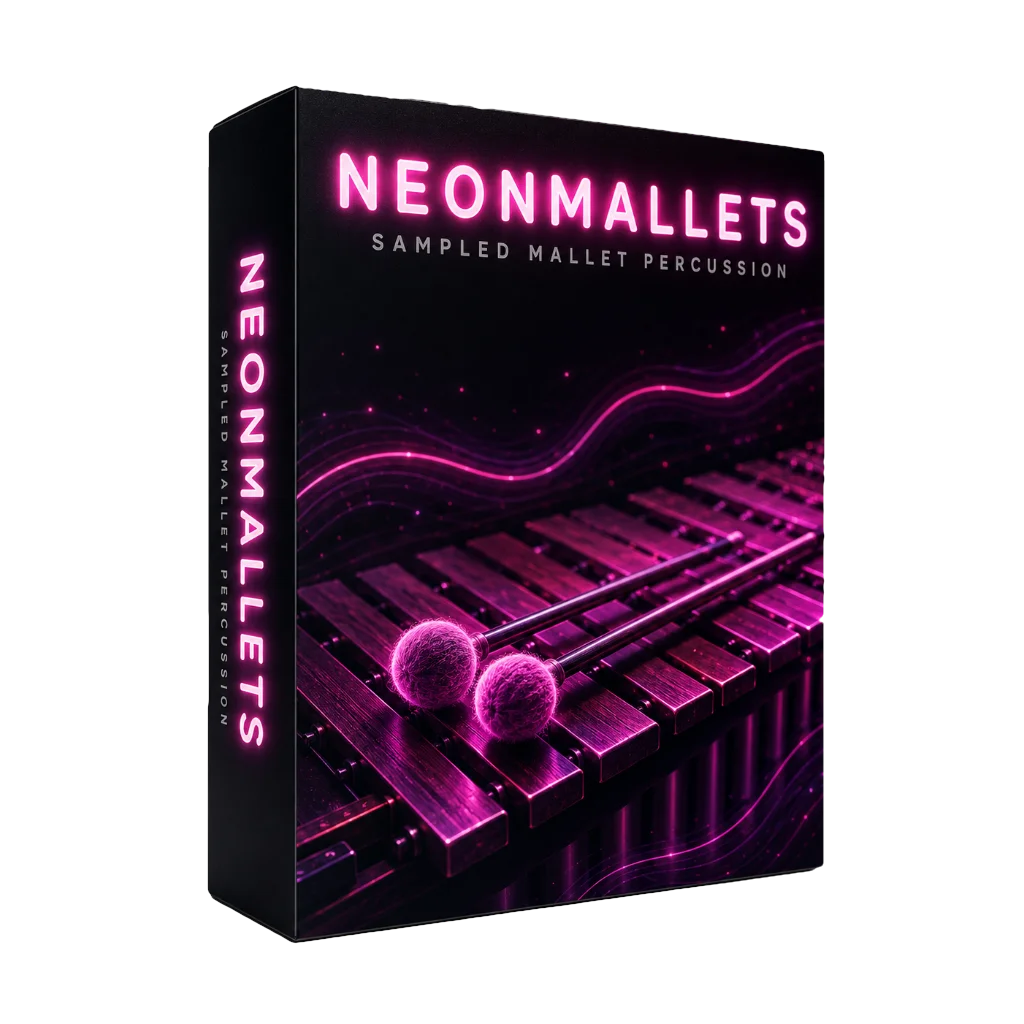
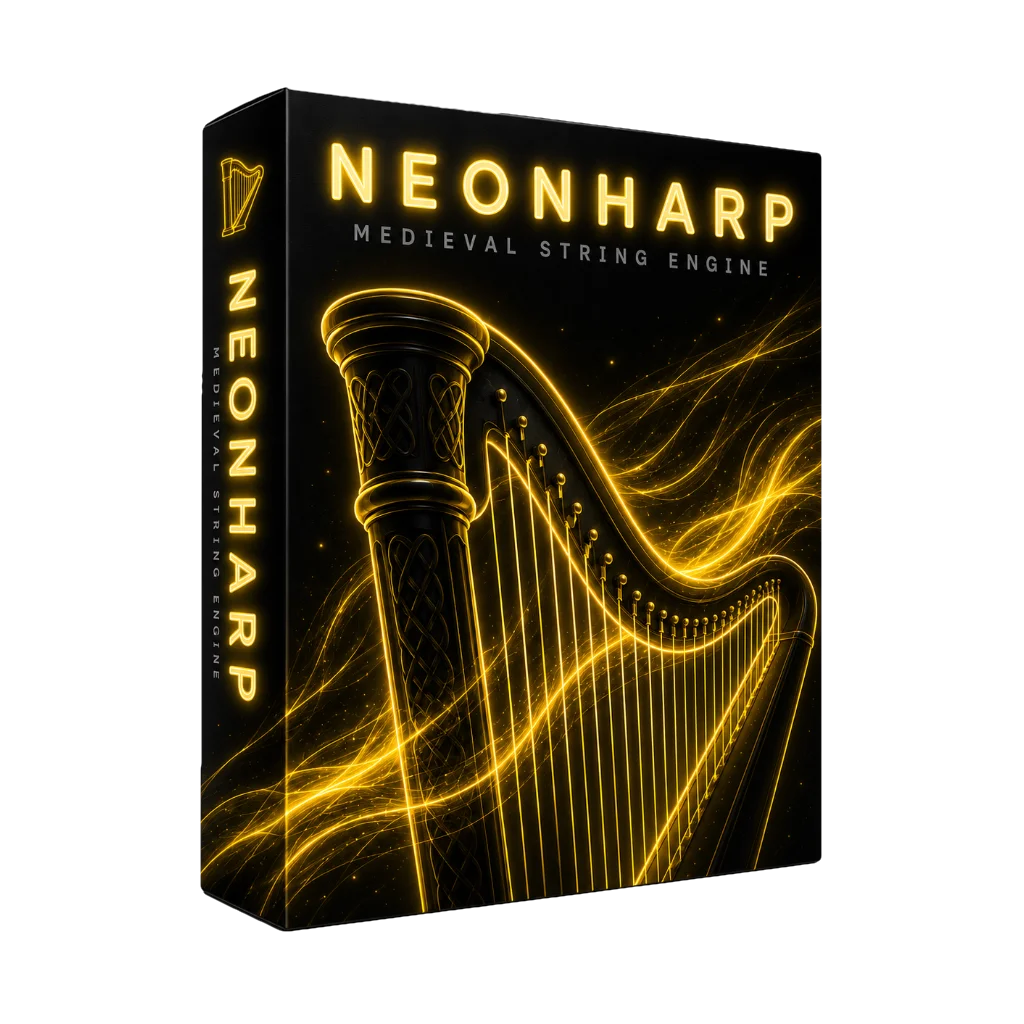
NeonHarp
A real orchestral harp, sampled string by string and left to ring and decay on its own. Run a glissando and it cascades; play it soft and it turns to gossamer, the kind of sound that makes a track feel expensive. Keep it close and intimate, open it up in a hall, or mute the strings for a rounder, softer pluck.
Presets
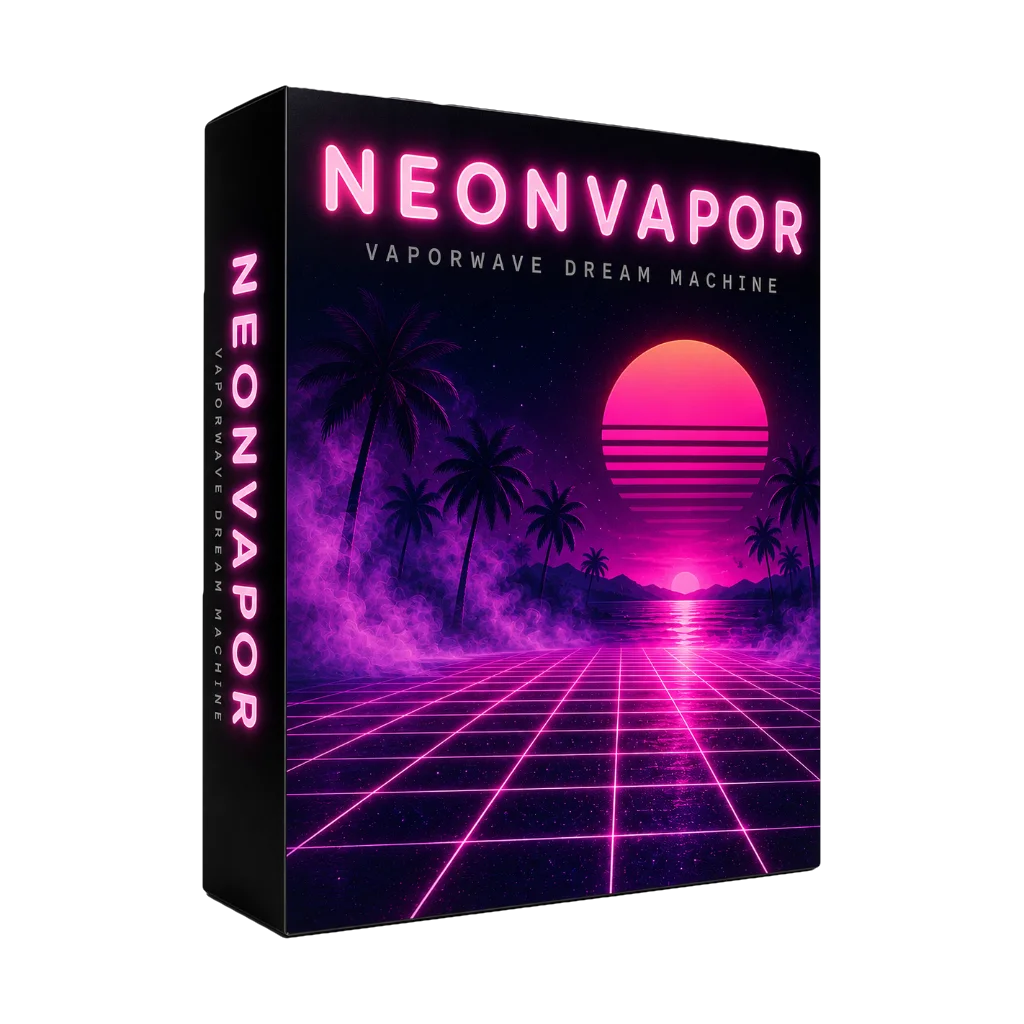
NeonVapor
One knob away from 1985. Six voice models, from FM electric pianos and glassy bells to chorused pads and bass, pour through tape wow, vinyl crackle, bitcrush and cavernous reverb until it all sounds like a half-remembered mall commercial. Nostalgic, woozy and impossibly cool.
Presets
Advanced FX, Included
Each effect is made from scratch using established DSP methods: a Dattorro plate reverb, a biquad EQ, an oversampled waveshaper for distortion. Chain them together, add them to any track.
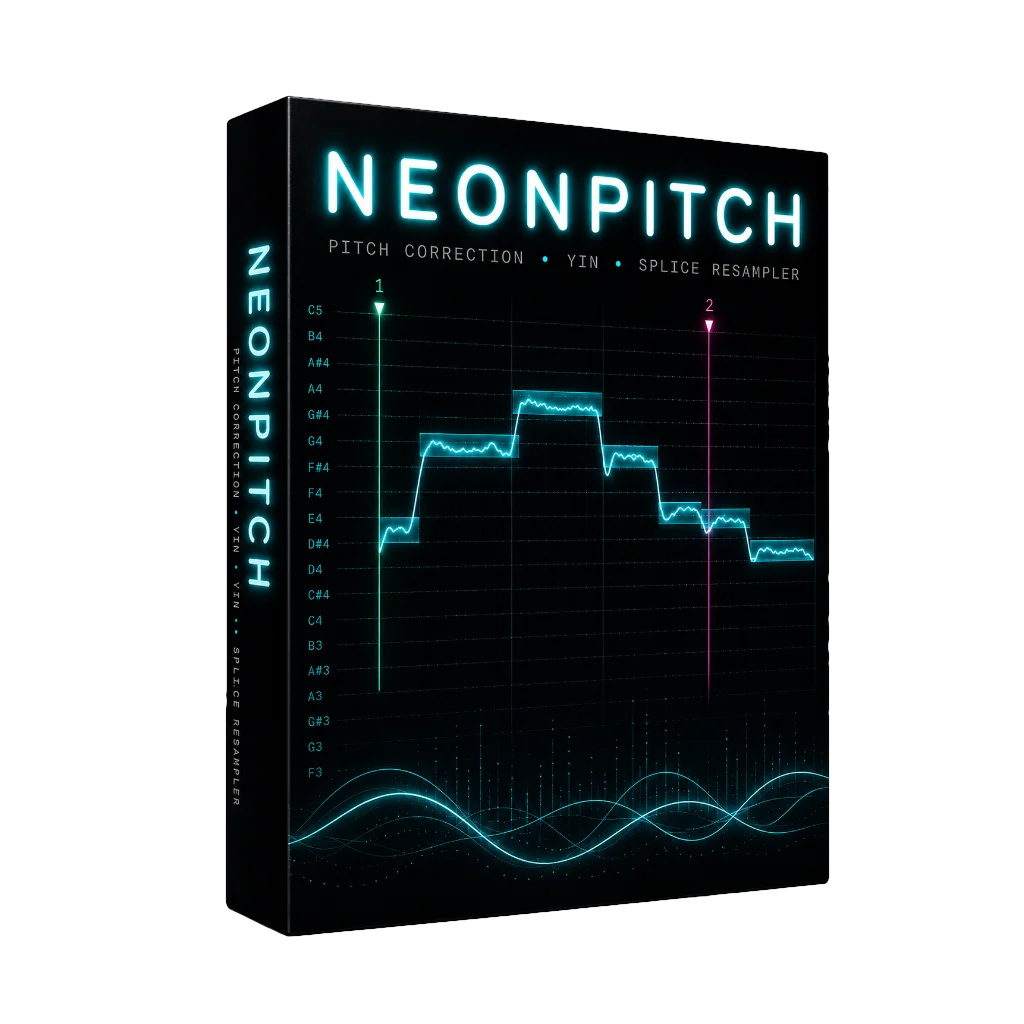
NeonPitch
Lock your vocals to pitch-perfect in real time. Set the key and NeonPitch handles the rest. Ease it back for a transparent polish that just sits right, or crank it for that unmistakable snapped, robotic tune. Humanize keeps the vibrato and phrasing intact, so corrected never means lifeless.
Presets
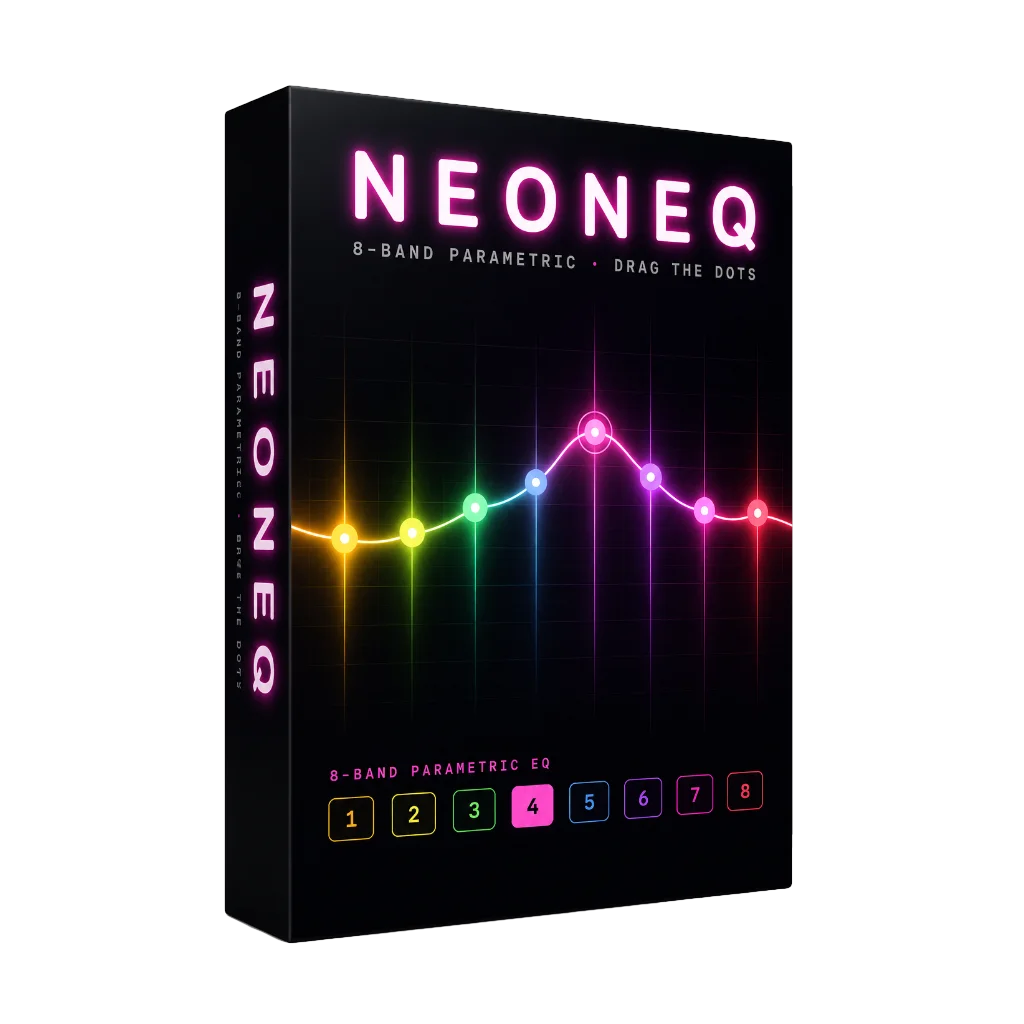
NeonEQ
Shape any sound with your eyes as much as your ears. The live spectrum glows behind the curve while you grab eight bands and pull them into place. Clear out mud, add a lift of air, or notch out exactly what's bothering you. The EQ you'll reach for on every track.
Presets
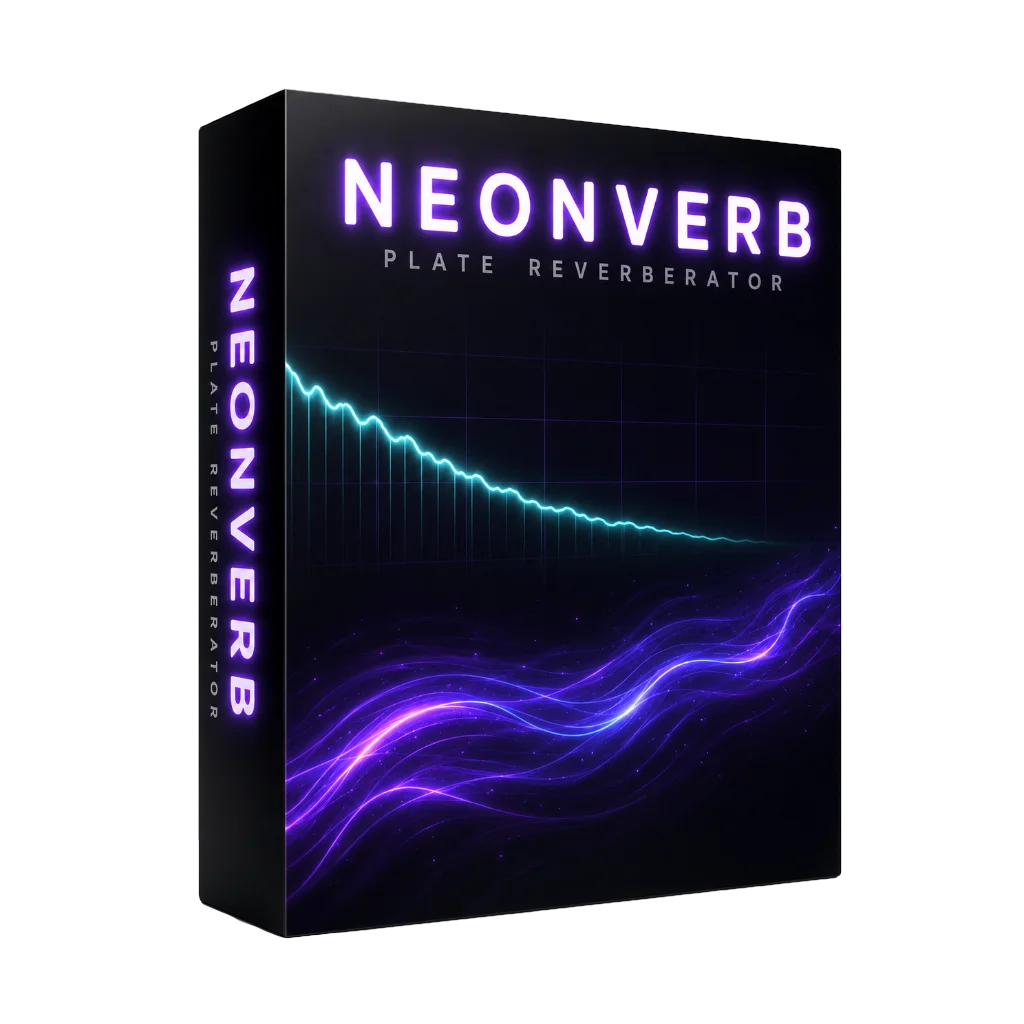
NeonVerb
From a tight, intimate room to a tail that hangs in the air forever, NeonVerb wraps your sound in space. Its classic plate gives vocals a silky sheen and drums somewhere to breathe, with pre-delay and tone on hand to tuck it perfectly into the mix.
Presets
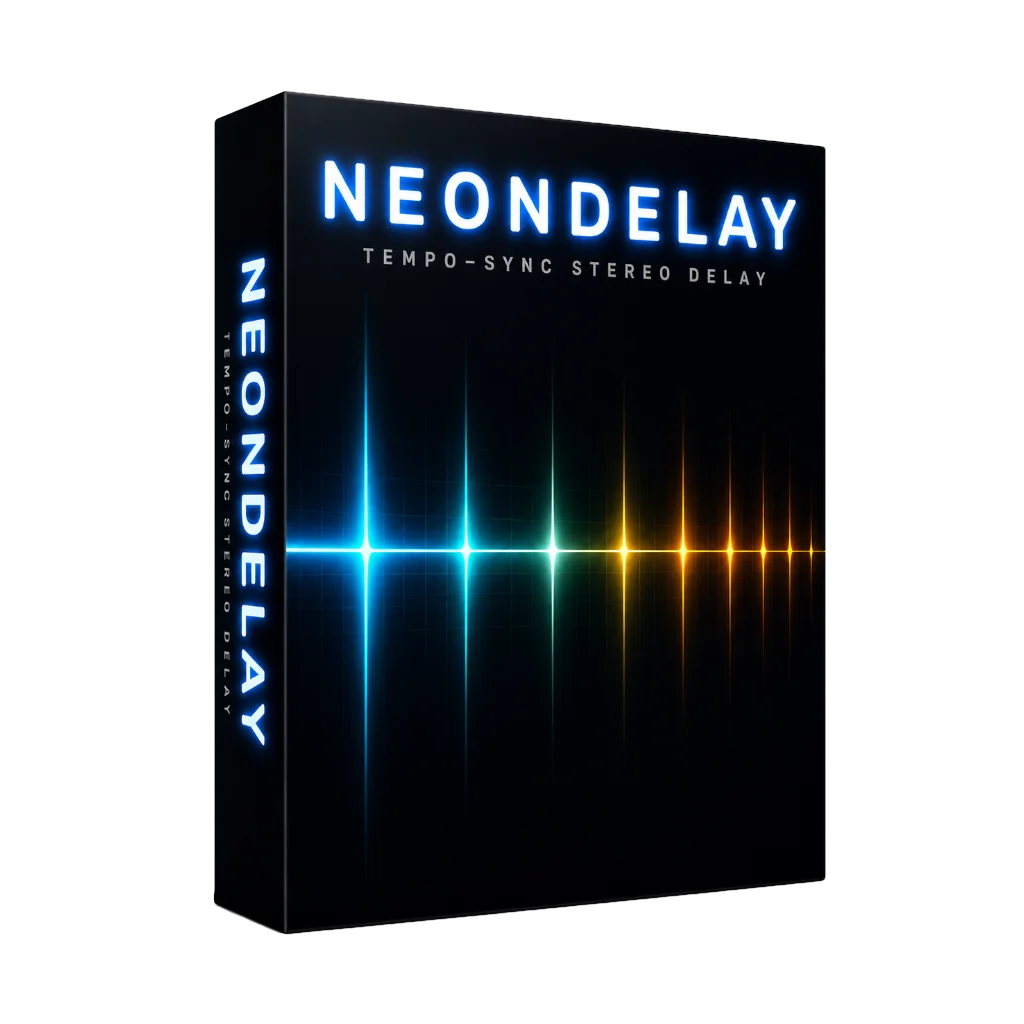
NeonDelay
Echoes that lock to your track and bounce across the stereo field. Sync it to the grid for rhythmic ping-pong, then sweep the time knob live to bend the tail into a dubby, tape-style warble. Repeats darken as they fade, so they sit behind the sound instead of crowding it.
Presets
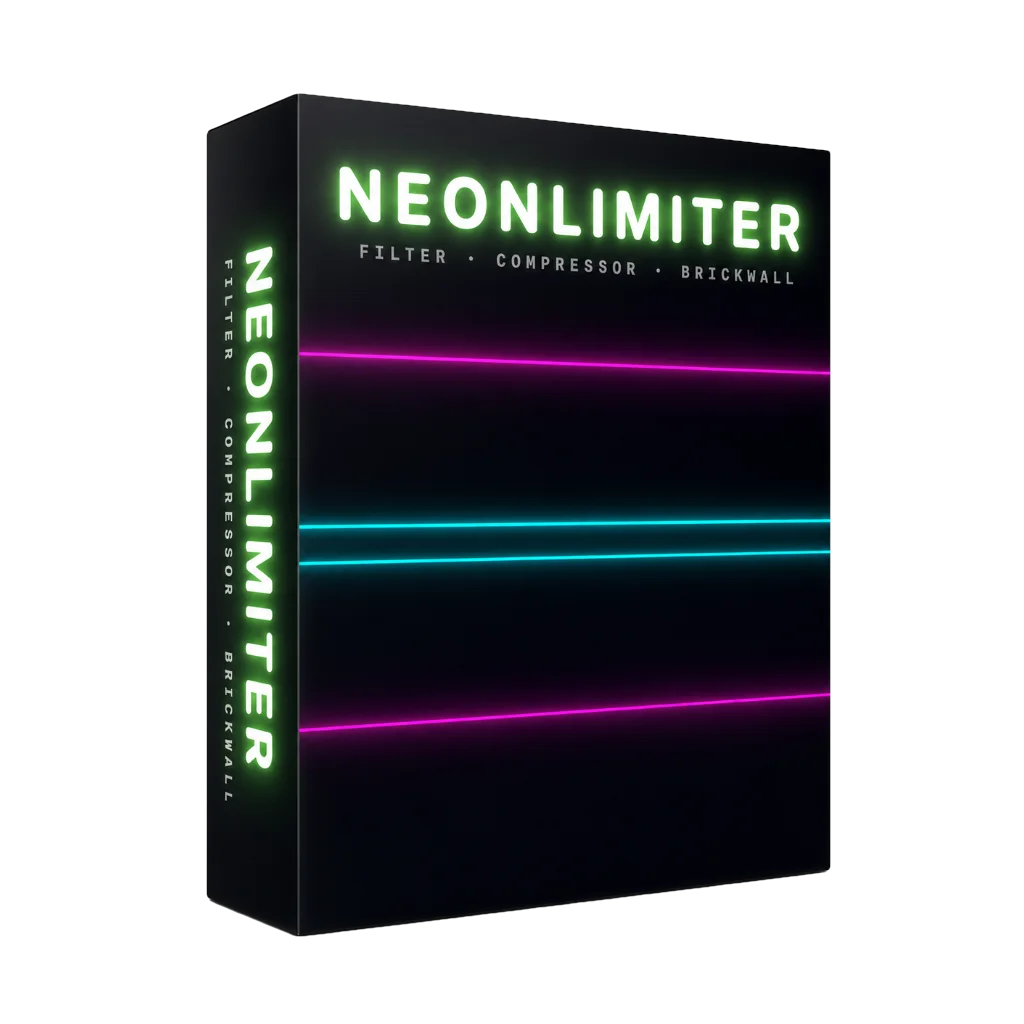
NeonLimiter
Glue, punch and loudness in a single move. Squeeze a drum bus until it hits, level an unruly vocal, or push your master right up to the ceiling without ever clipping. A live scope shows exactly what you're catching, so you're always in control.
Presets
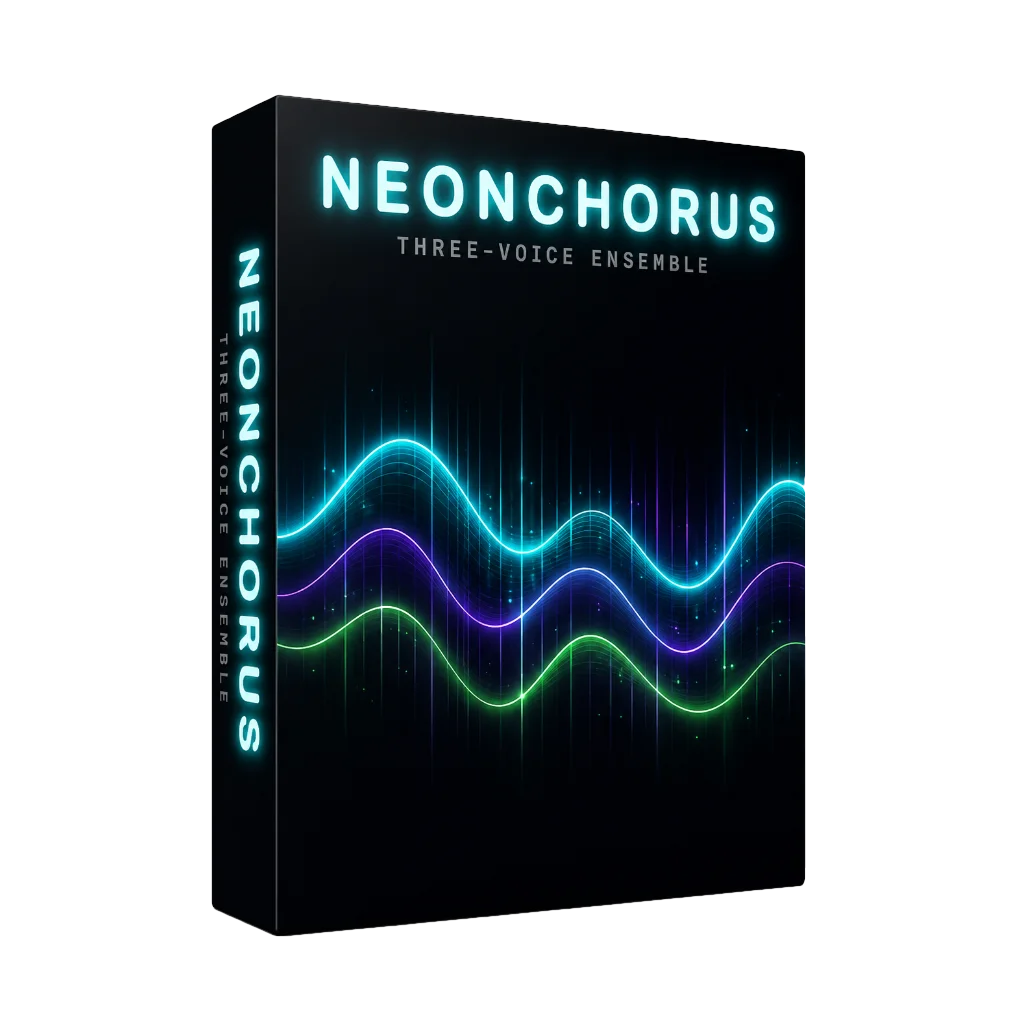
NeonChorus
Turn one voice into many. Three shimmering layers per channel widen a thin synth into a lush, wall-to-wall ensemble. Add feedback for swirling flange, or go full wet for a seasick vibrato. The fastest way to make anything sound bigger.
Presets
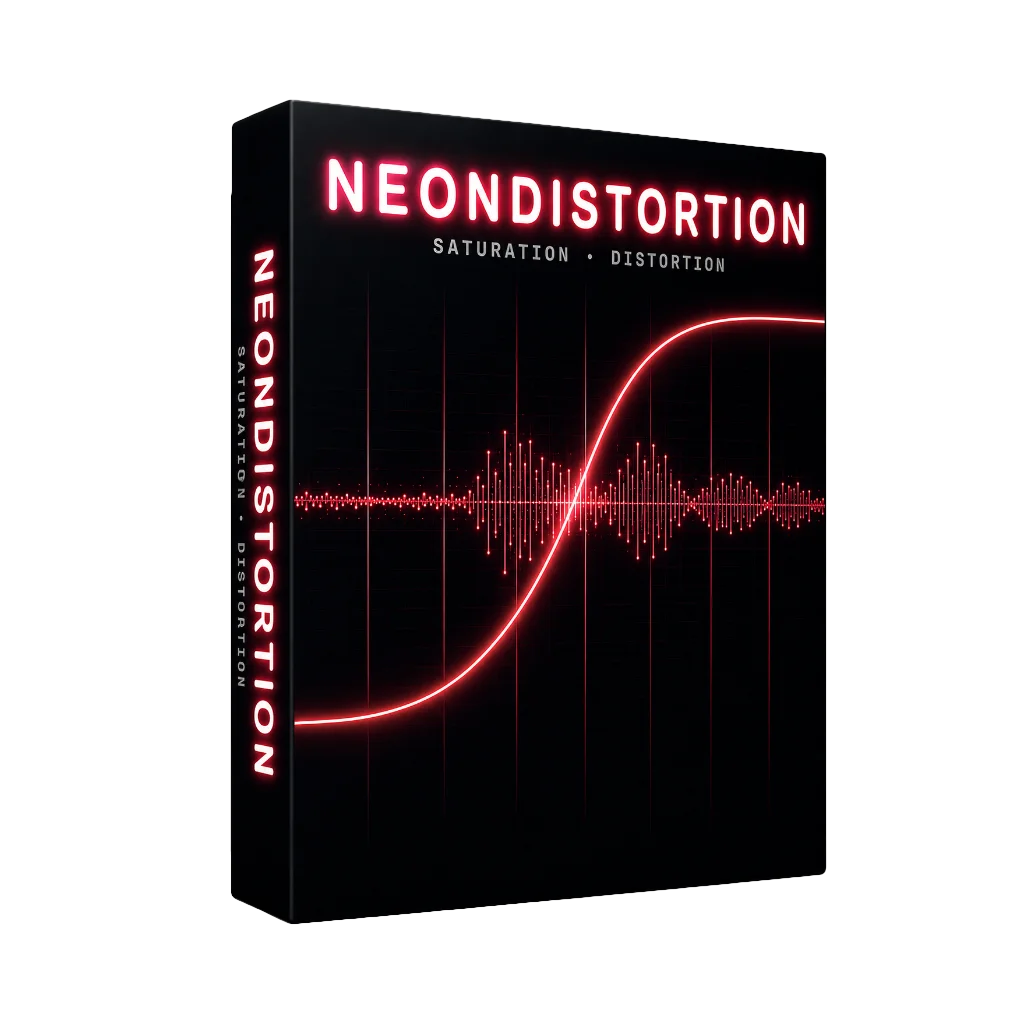
NeonDistortion
From a whisper of tape warmth to a speaker torn clean in half. Four characters — tape, tube, fuzz and wavefold — let you add analog grit, drive a lead until it screams, or mangle a sound past recognition. Oversampled throughout, so it's all heat and no harsh digital fizz.
Presets
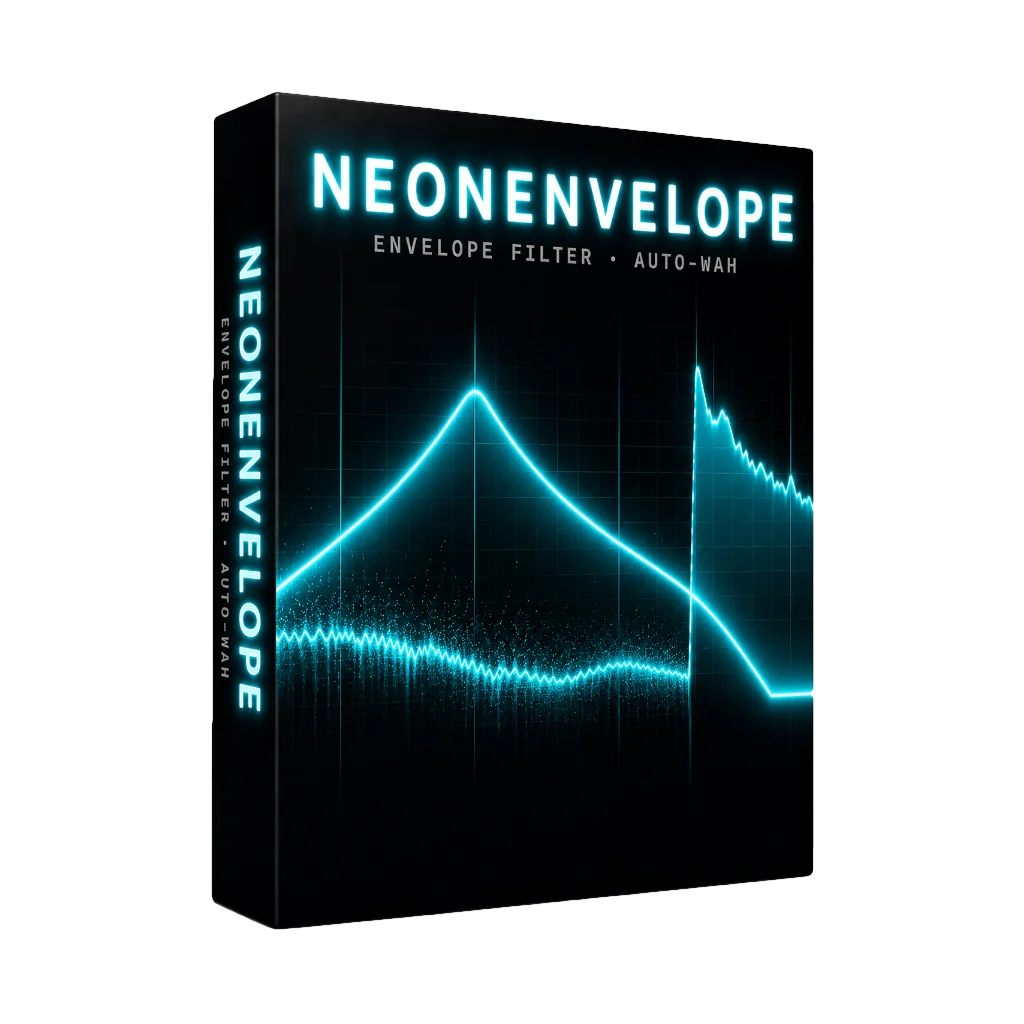
NeonEnvelope
Make anything talk, quack and squelch. The filter follows how hard you play, sweeping up to four octaves so a flat bassline suddenly bounces and a stiff synth starts to groove. Funk in a box. Dig in and it answers back.
Presets
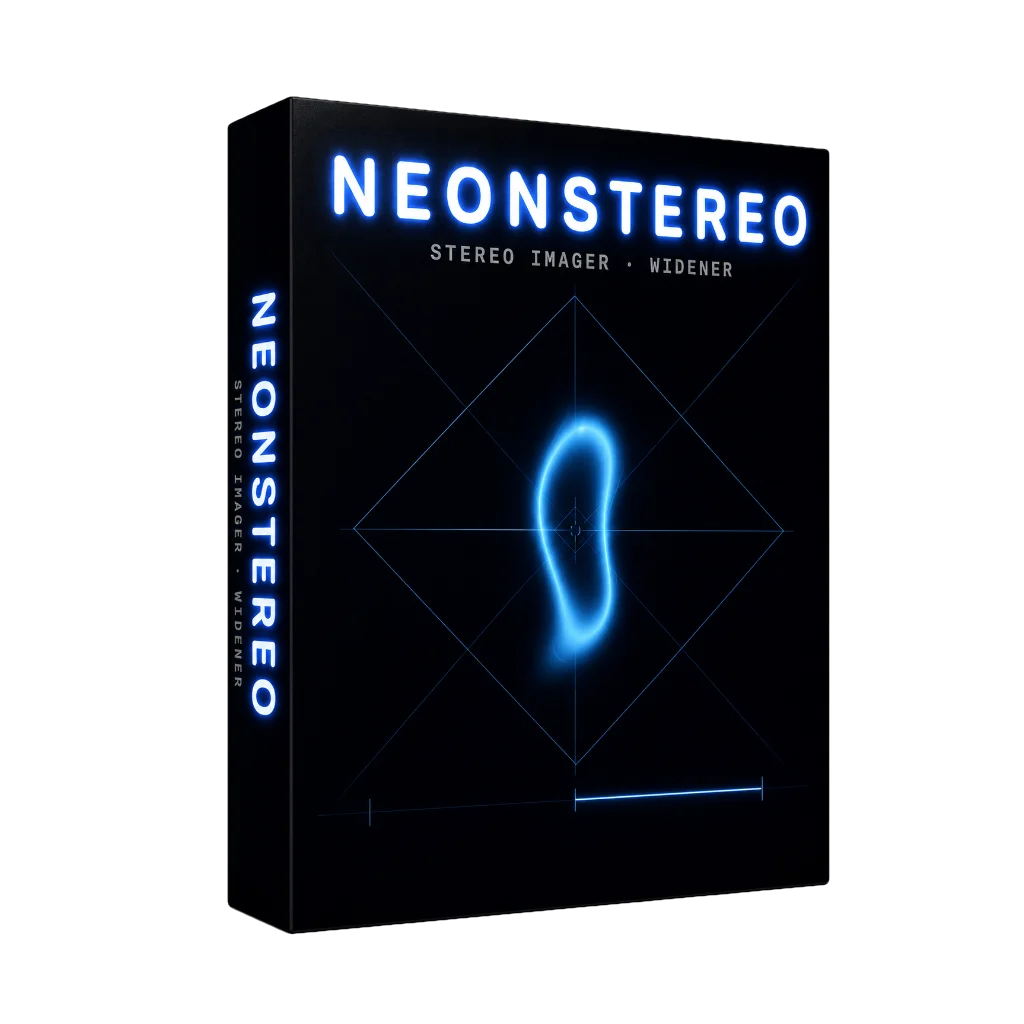
NeonStereo
Push your mix wall to wall without it falling apart in mono. Spread pads and synths wide and airy while the low end stays locked to the center where it belongs. Built-in metering keeps you honest, so wide never means weak.
Presets
Writing, editing and arranging.
NeonDAW includes everything you need to build a track: a MIDI editor, automation, a chord pad and a drum machine.
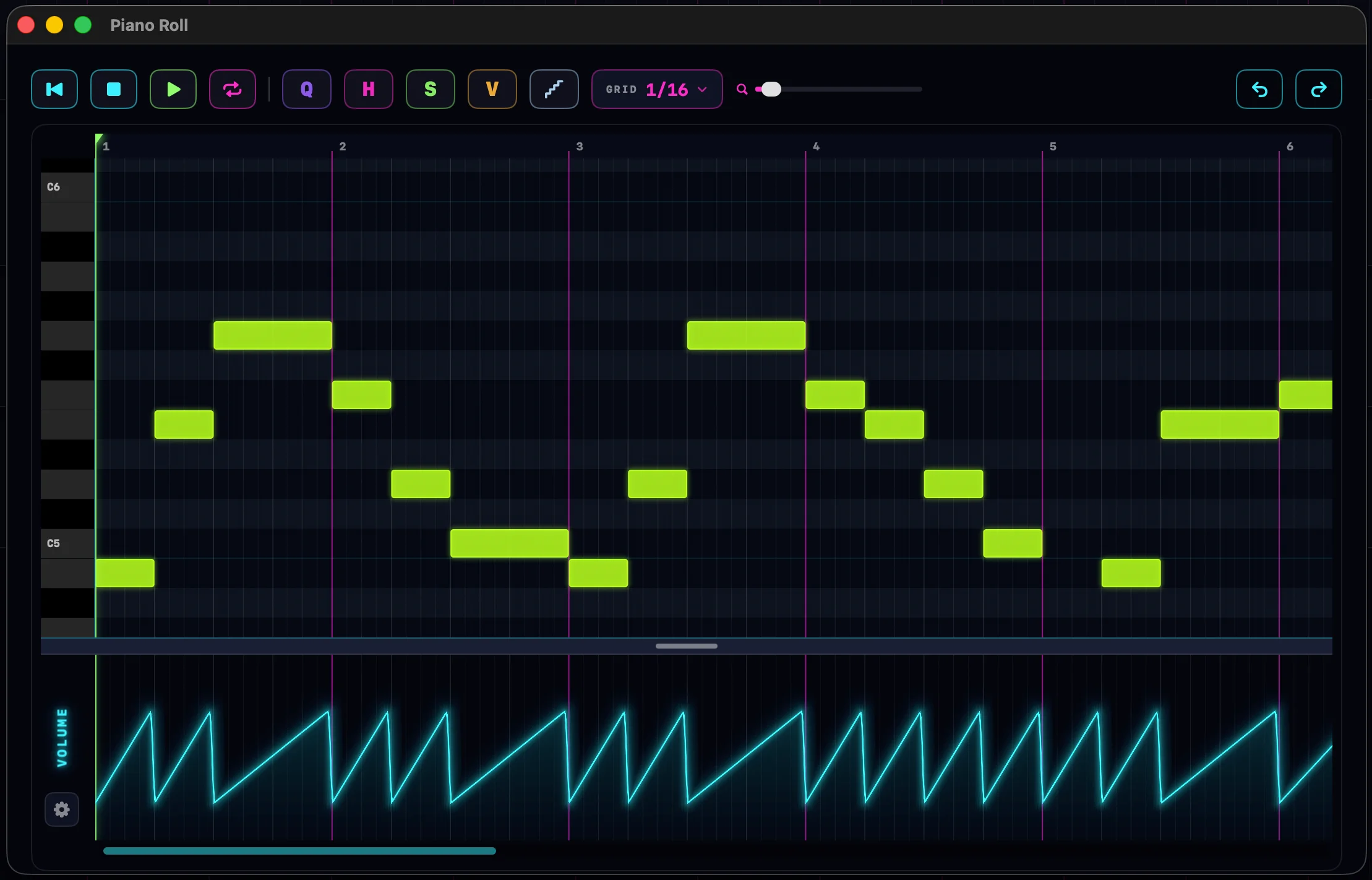
A full-window piano roll.
Draw and edit notes, set the velocity of each one, and quantize to the grid. The editor opens in its own window, and every edit plays back through the track's instrument and effects as you make it.
- Draw, resize and set the velocity of individual notes
- Quantize, split, glue and nudge, with a snap grid you can toggle
- Opens in a separate window and plays through the track live
Automate any parameter.
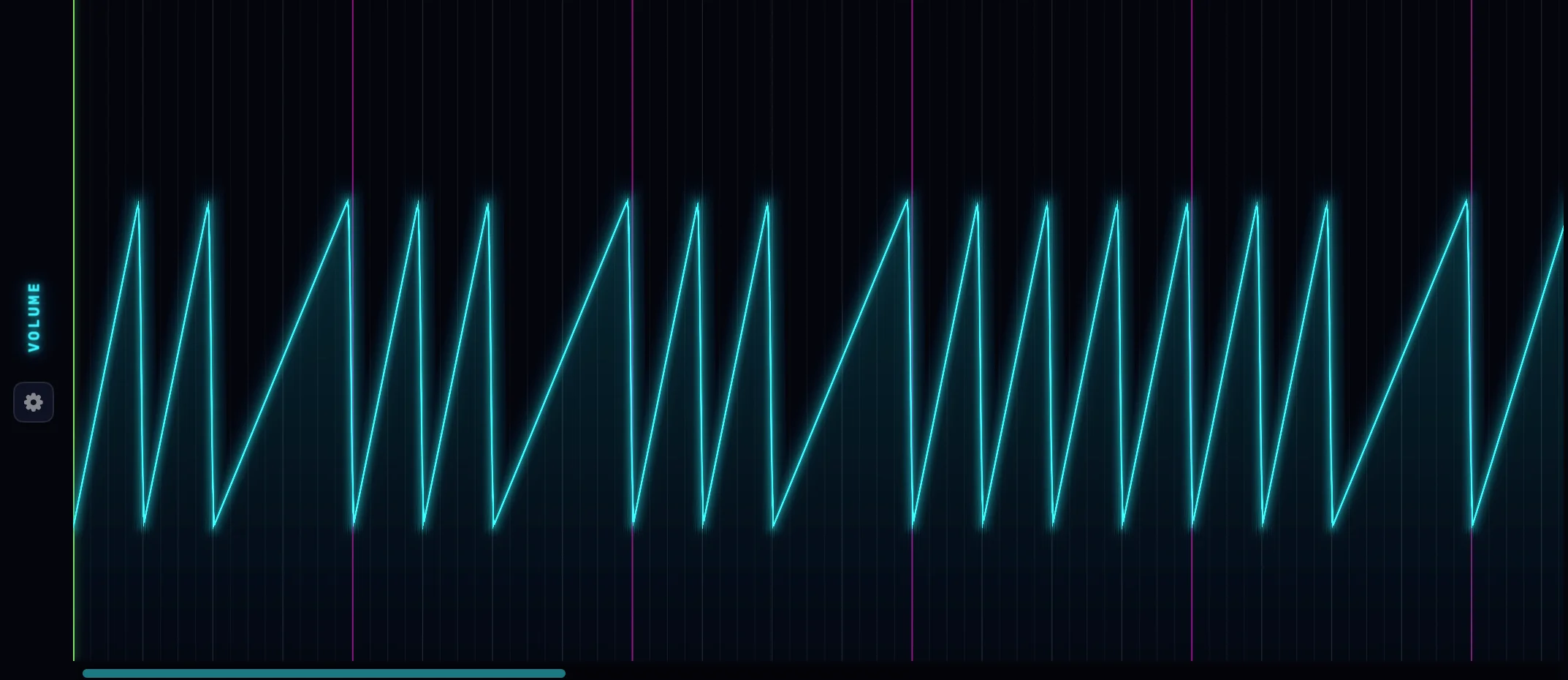
You can automate volume, pan, and any control on any instrument or effect. Draw a curve over time and edit it point by point, for filter sweeps, vowel changes, articulation switches, or anything else.
- A lane for volume, pan and every plugin control
- Draw and edit points, and shape the curve between them
- Controls move in real time as automation plays back
Play chords in any key.
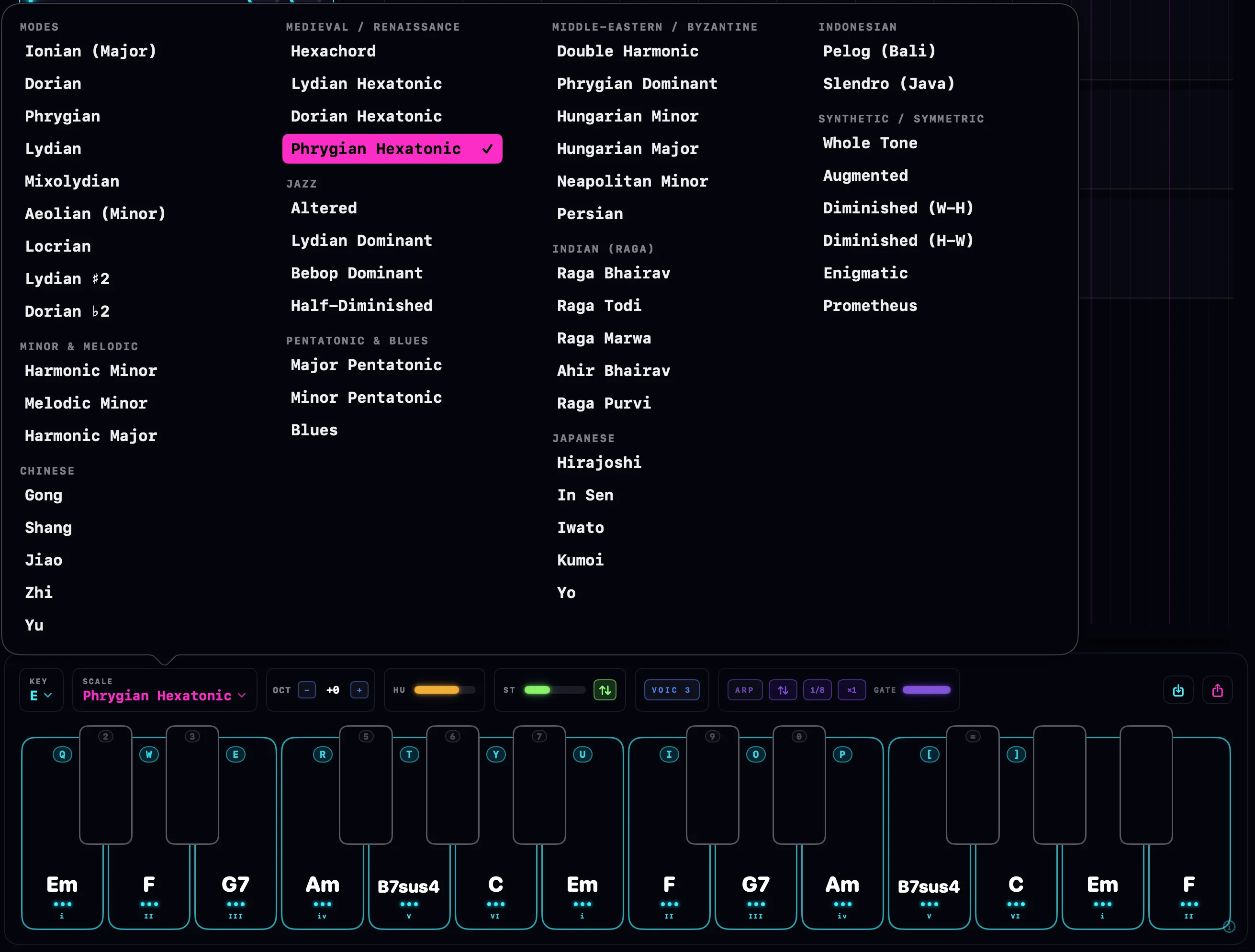
Choose a key and scale, and the pad fills with the chords that fit: fourteen across two octaves, each labeled with its roman numeral. Adjust the voicing, add strum or humanize the timing, or run it through the arpeggiator. Play it from your computer keyboard, and save chord sets to reuse.
- Chords for any key and scale
- Voicing, strum, humanize, octave shift and an arpeggiator
- Playable from the computer keyboard; save and load chord sets
A step sequencer for drums.
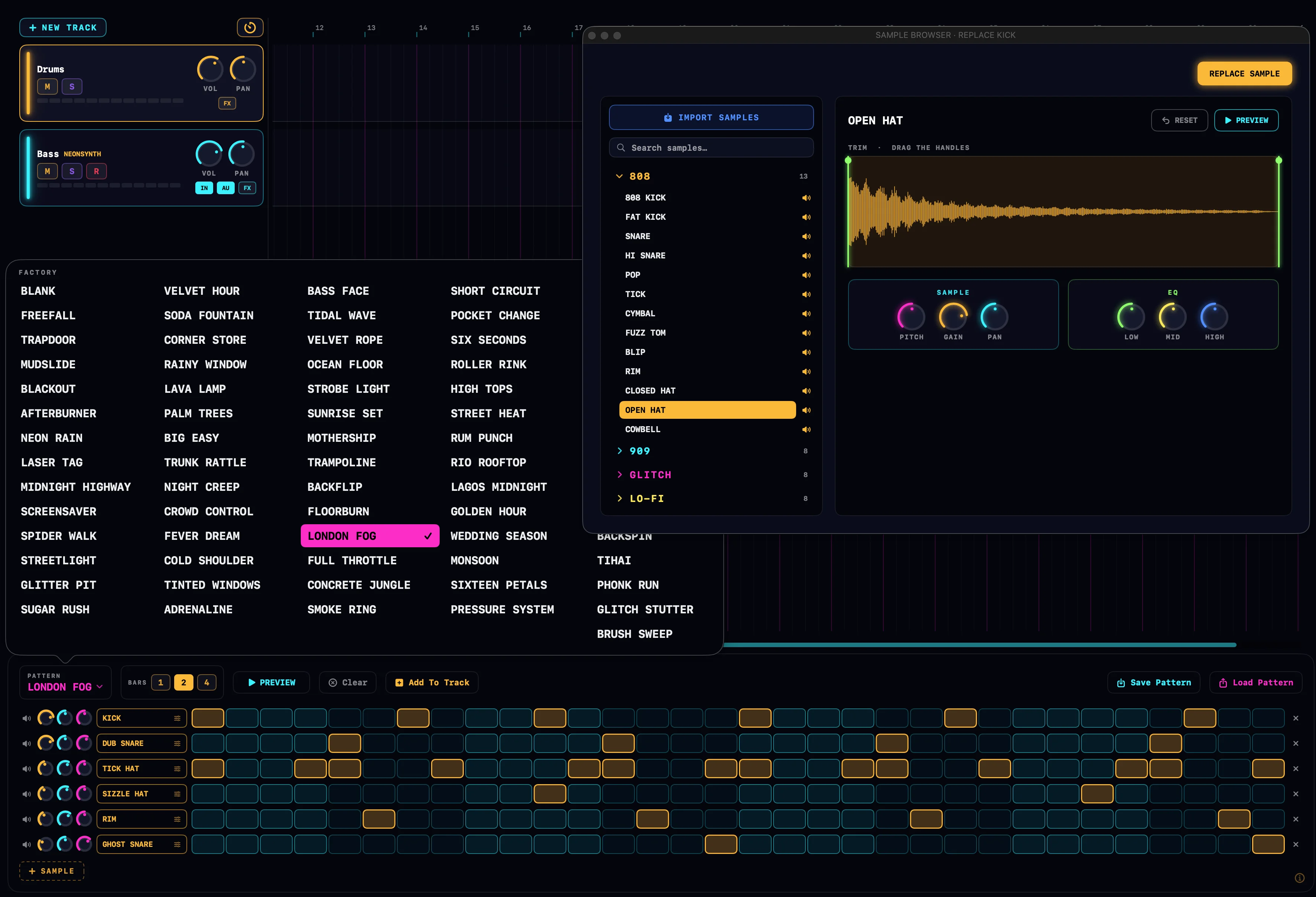
A sixteen-step sequencer with sample kits included. Program a pattern and it loops while you play chords and melodies over it. You can load your own samples, and every drum runs through the same mixer and effects as the rest of the project.
- Sixteen steps, with velocity and per-step settings
- Built-in kits, plus your own samples
- Runs at the same time as the chord pad
Hand the tedious work to AI
NeonDAW speaks MCP, so the AI assistant you already use can plug straight into your session. Just connect by giving your assistant the MCP server URL (find this in NeonDAW > Settings > Assistant). Ask for what you want in plain language, and it takes care of the fiddly parts while you keep your creative flow.
You direct. It does the legwork.
Setting up tracks, quantizing a loose take, evening out velocities, drawing a fade, laying down a scaffold to build on, all the tedious stuff that pulls you out of the moment. Ask for it, and it's handled.
- Spin up tracks and dial in instruments & presets
- Quantize timing and smooth out velocities
- Draw automation: volume rides, filter sweeps, fades
- Sketch a beat or chord bed for you to shape
- Import a MIDI file and split it across tracks
- Set levels, panning and the balance of the mix
Every move is a normal edit. It plays back in the app and undoes with ⌘Z. Nothing happens that you can't take back.
The whole studio, in one purchase
Every instrument and effect you've just seen comes bundled with NeonDAW. No add-ons, nothing else to buy.

A complete DAW · 10 instruments · 9 effects · 190+ presets · one purchase